💡 Why You Need a Code Editor
A JavaScript code editor is a specialized tool that makes writing, editing, and debugging your code easier and more productive. Instead of using a basic text editor like Notepad, you’ll want a feature-rich environment tailored for developers.
Note
🔥 Recommended JavaScript Code Editors
- VS Code (Visual Studio Code) – Lightweight, powerful, and widely used
- Sublime Text – Fast, minimal, and highly customizable
- WebStorm – Full-featured IDE by JetBrains (paid)
- Brackets – Beginner-friendly and focused on web development
✅ Steps to Install Visual Studio Code (VS Code)
1️⃣ Download the Installer
Go to the official website: code.visualstudio.com and click on the download button for your operating system (Windows, macOS, or Linux).
2️⃣ Run the Installer
Once the download completes, open the installer and follow the setup wizard:
- ✔️ Accept the license agreement
- ✔️ Choose the installation location
- ✔️ Check options like “Add to PATH” and “Open with Code”
3️⃣ Launch VS Code
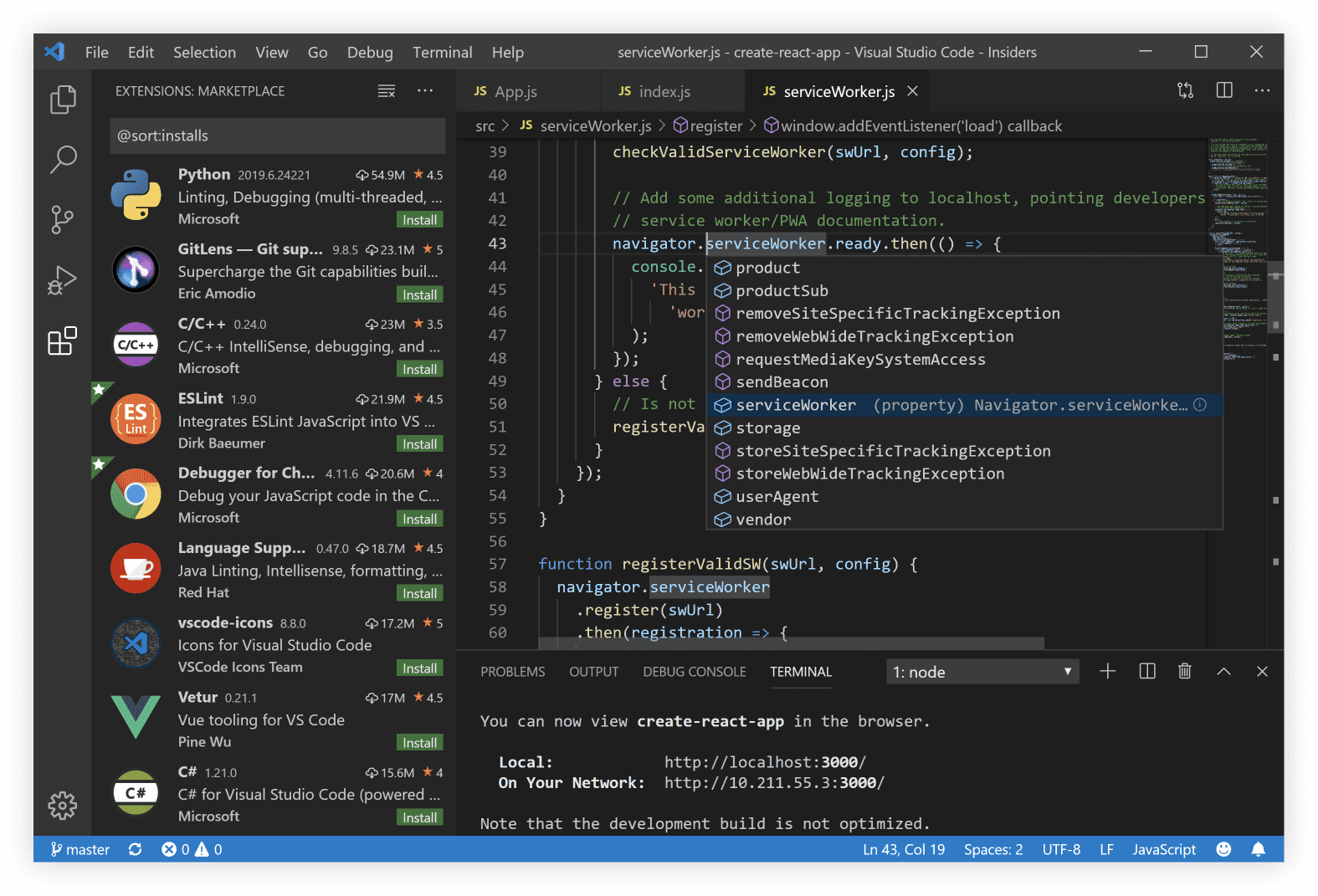
After installation, open Visual Studio Code. You should see a welcome screen and sidebar.

🧩 Optional: Install Extensions
Click on the Extensions icon on the left or press Ctrl + Shift + X to open the extensions panel. Some must-have extensions for JavaScript are:
- 💡 ESLint – Linting and error checking
- 🌈 Prettier – Code formatter
- 📦 npm Intellisense – Auto-completion for npm modules
- ⚙️ Debugger for Chrome – Debug JS in Chrome
How to Install an Extension
# Open the extensions panel (Ctrl+Shift+X) and search for 'ESLint'
# OR use terminal command (optional with VS Code CLI):
code --install-extension dbaeumer.vscode-eslint
🚀 Try a Simple JavaScript File
Once installed, create a new file in VS Code:
Hello JavaScript in VS Code
// hello.js
console.log("Hello, JavaScript world!");Note
💻 Alternative: Use Online Editors
Don’t want to install anything? You can practice JavaScript online using these:
🧠 Summary
Installing a proper code editor like VS Code greatly improves your productivity and learning experience. It's beginner-friendly and scales with you as you become a pro developer. Start with VS Code, customize it with extensions, and dive into writing JavaScript like a pro! 💪